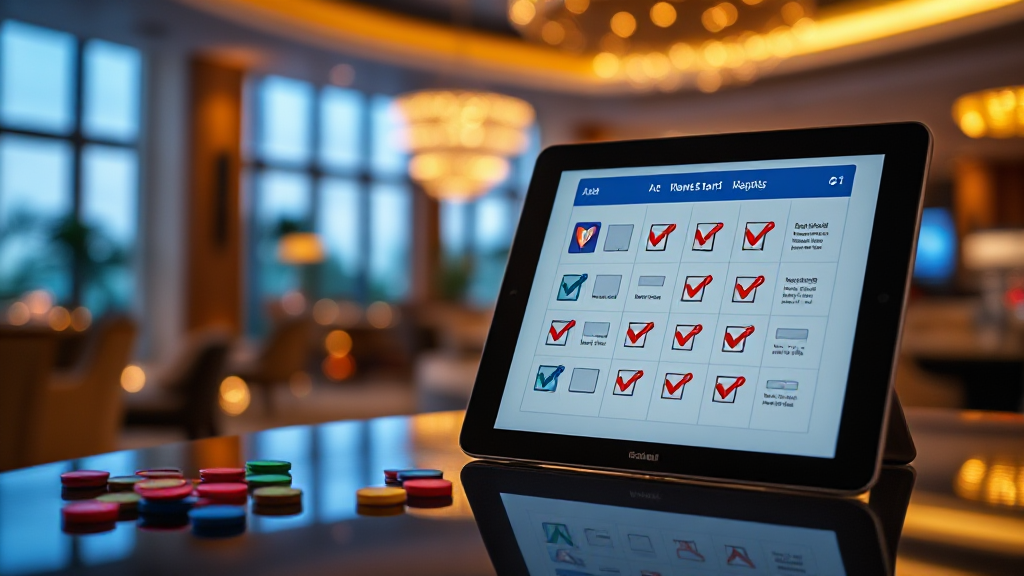
Safety Checklist for Apps from Rummy Download Lists
Every week, security researchers discover new malicious apps that pretend to be card game clients. They arrive through unofficial mirrors, forwarded APK files, and pop-up ads promising instant bonuses. If you have ever searched for a Rummy App Download List, you already know how many results appear — and how hard it can be to tell a legitimate listing from a trap. This checklist is written from a cybersecurity perspective, so you can verify any download before it touches your device.
Why Safety Checks Matter Before You Download
Card game apps are attractive targets for attackers because they are popular, frequently sideloaded, and often installed outside official app stores. A single malicious package can request access to your contacts, read your SMS messages, or quietly subscribe you to premium services. In many cases, the fake app looks almost identical to the real one: same icon, same screenshots, even a copied description.
The risk multiplies when a download list aggregates links from many sources. A directory may include both verified entries and unverified submissions. That does not make the list useless — it means you, the user, are the final checkpoint. Treat every download link as untrusted until you have run through the checks below.
There is also a privacy dimension. Even non-malicious apps can over-collect data. A simple card game rarely needs your location, microphone, or call logs. If an app asks for those permissions, that is a signal to stop and investigate rather than tap “Allow” out of habit.
Checklist Item 1: Verify the Source and the Listing
Start with where the link actually points. Hover over or long-press the download button and inspect the destination domain. A legitimate distributor will host files on a stable, branded domain — not on a random file-sharing host with a string of numbers in the URL. Shortened links should be expanded before you click.
Next, look at the listing itself. Curated directories such as Rummy Board typically organize entries by category and provide context about each app. A good listing tells you the developer name, the version, the file size, and when it was last checked. If a page gives you nothing but a flashing download button and a countdown timer, that is a red flag, not a feature.
Cross-reference the app against at least two independent sources. Search for the developer’s official website, check whether the app appears in a reputable store, and look for a privacy policy that names a real company. If the app exists only on one obscure page, assume it is unverified.
Checklist Item 2: Audit Permissions, Reviews, and Developer Details
Permissions are the clearest window into what an app really does. Before installing, review the permission list on the store page or in the APK manifest. A card game should need network access and perhaps storage for cached assets. It should not need SMS reading, call log access, accessibility services, or device administrator rights. Any of those on a game app is a serious warning sign.
Reviews deserve careful reading too, but not the star rating. Sort by newest and look for patterns: complaints about unexpected charges, battery drain, ads appearing outside the app, or the app requesting new permissions after an update. A sudden flood of five-star reviews with generic text can indicate review manipulation.
Developer information is equally important. Check whether the developer has other published apps, a working support email, and a verifiable business presence. Anonymous developers with one app and no contact details are harder to hold accountable if something goes wrong. Finally, confirm the app is still receiving updates. An app abandoned two years ago may contain unpatched libraries that attackers can exploit.
Checklist Item 3: Install, Update, and Monitor Safely
When you finally install, use a sandboxed approach. On Android, disable “install from unknown sources” immediately after the installation completes. On iOS, avoid enterprise-signed builds unless you fully trust the issuer, since those certificates can be revoked or abused. Keep your operating system and security software current so that known exploits are blocked.
After installation, watch for behavioural changes. Does the app start showing full-screen ads on your home screen? Does your battery drain faster? Do you receive SMS messages you did not send? These are signs of adware or worse. Uninstall immediately and run a malware scan.
Updates are part of the safety cycle. Only accept updates from the same source you originally used, and re-check permissions after each update — attackers sometimes add new permissions in a minor version bump. If you used a download list to find the app, revisit the listing to see whether the entry has been updated or flagged. Reputable directories remove or annotate entries when problems are reported.
For ongoing reference, keep a personal record of which apps you installed, where the file came from, and what permissions you granted. If a problem appears weeks later, that record helps you trace the cause quickly.
Frequently Asked Questions
Are apps from third-party download lists always unsafe?
No. Many curated directories include legitimate, verified apps. The risk comes from unverified entries and outdated links. Treat each listing as a starting point and run the source, permission, and developer checks before installing.
What permissions should a card game never request?
A card game has no legitimate need for SMS access, call logs, accessibility services, device administrator rights, or continuous location tracking. If you see these, do not install the app.
How can I tell if an app has been abandoned?
Check the last update date, the developer’s support page, and recent reviews. If the app has not been updated in over a year and the developer does not respond to reports, it is safer to avoid it.
Is it safe to update an app from a download list?
Only if the update comes from the same trusted source as the original install. Re-check permissions after updating, because new versions can request additional access.
Safety is not a one-time action; it is a habit. By running through this checklist every time you use a rummy app download list, you reduce the chance that a malicious package ever reaches your device.